Generic HTTP Connector
The Generic HTTP Connector lets you export Nile SIEM events to an HTTP or HTTPS endpoint for ingestion by your security or analytics platform.
Overview
Use the Generic HTTP Connector when you want Nile to send security event data to a destination that can receive JSON payloads over HTTP or HTTPS. The connector supports flexible delivery options, including multiple authentication methods, selectable payload formats, and configurable request behavior.
You can create and manage a Generic HTTP Connector in Nile Portal by entering the endpoint details, selecting the authentication method, and choosing the event categories to export.
Prerequisites
Before you begin, make sure you have the following:
- A customer-managed HTTP or HTTPS endpoint that is reachable from the Nile cloud.
- The Endpoint URL for your HTTP or HTTPS receiver.
- Your preferred authentication method: Token-based authentication, Basic authentication, or Mutual TLS authentication.
- If using token-based authentication, have the header name and token value available for the requests sent by Nile.
- If using mutual TLS, have a client certificate in .P12 or .PFX format and the corresponding keystore password are available.
- If your receiver uses a private or self-signed server certificate and you want certificate validation enabled, have the custom CA certificate ready so it can be uploaded and trusted for this connection.
- The Nile event categories you want to export, such as alerts, end-user device events, and audit trail.
Supported configuration options
The Generic HTTP Connector currently supports the following options:
- HTTP and HTTPS destinations.
- POST and PUT request methods. POST is the default.
- JSON payload delivery in either event-per-line format or JSON array format.
- Mutual TLS authentication with client certificate upload in .P12 or .PFX format and a keystore password.
- Basic authentication.
- Token-based authentication, including bearer-style headers.
- Additional custom HTTP headers when needed by the destination system.
Payload formats
The connector supports two JSON payload formats:
Event per line
In this format, the request body contains newline-delimited JSON, where each line is a valid JSON object. This format is useful for destinations that expect streaming-style event ingestion similar to HTTP event collectors.
JSON array
In this format, the request body is a standard JSON array containing multiple event objects.
TLS and certificate behavior
When certificate validation is enabled, the connector validates both the server certificate trust chain and the certificate hostname. The certificate's common name must match the hostname in the configured URL, and the certificate must be trusted by the connection.
If certificate validation is disabled, hostname validation and trust validation are both skipped.
If your destination uses a private CA or self-signed certificate, Nile can support it in one of two ways:
- Disable certificate validation for that connection.
- Keep certificate validation enabled and upload the custom CA certificate to trust for that specific connector instance.
For production deployments, using certificate validation with a trusted public CA or an uploaded custom CA is the preferred approach.
Configure a Generic HTTP Connector in Nile Portal
Follow these steps to create a Generic HTTP Connector in the Nile Portal.
Step 1: Sign in to Nile Portal
Sign in to Nile Portal using an administrator account.
Step 2: Open the Integrations page
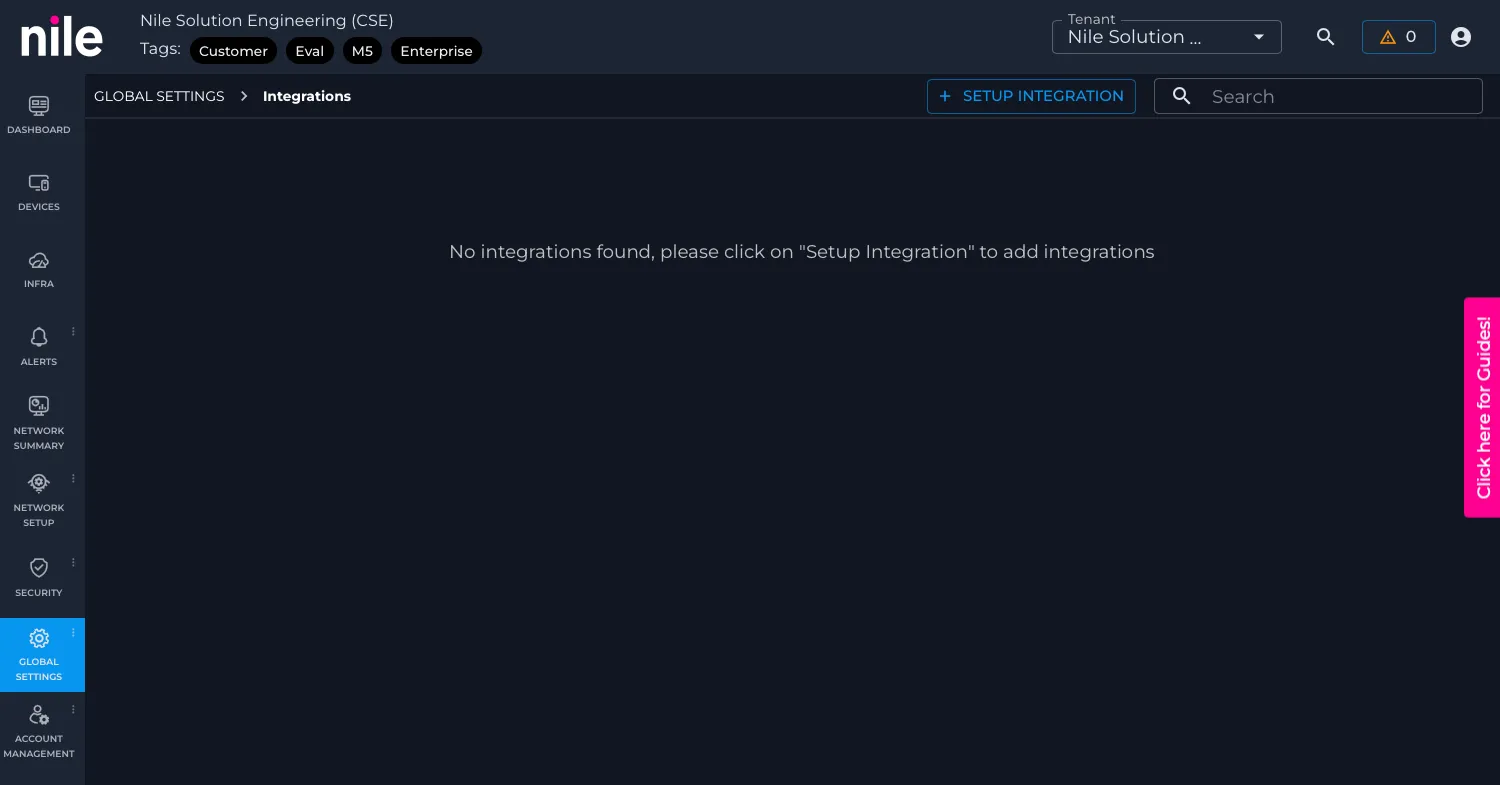
From the main navigation, go to Global Settings and then open the Integrations subtab.
Step 3: Start a new integration
Click the ”+ SETUP INTEGRATION” icon to open the list of available integrations.
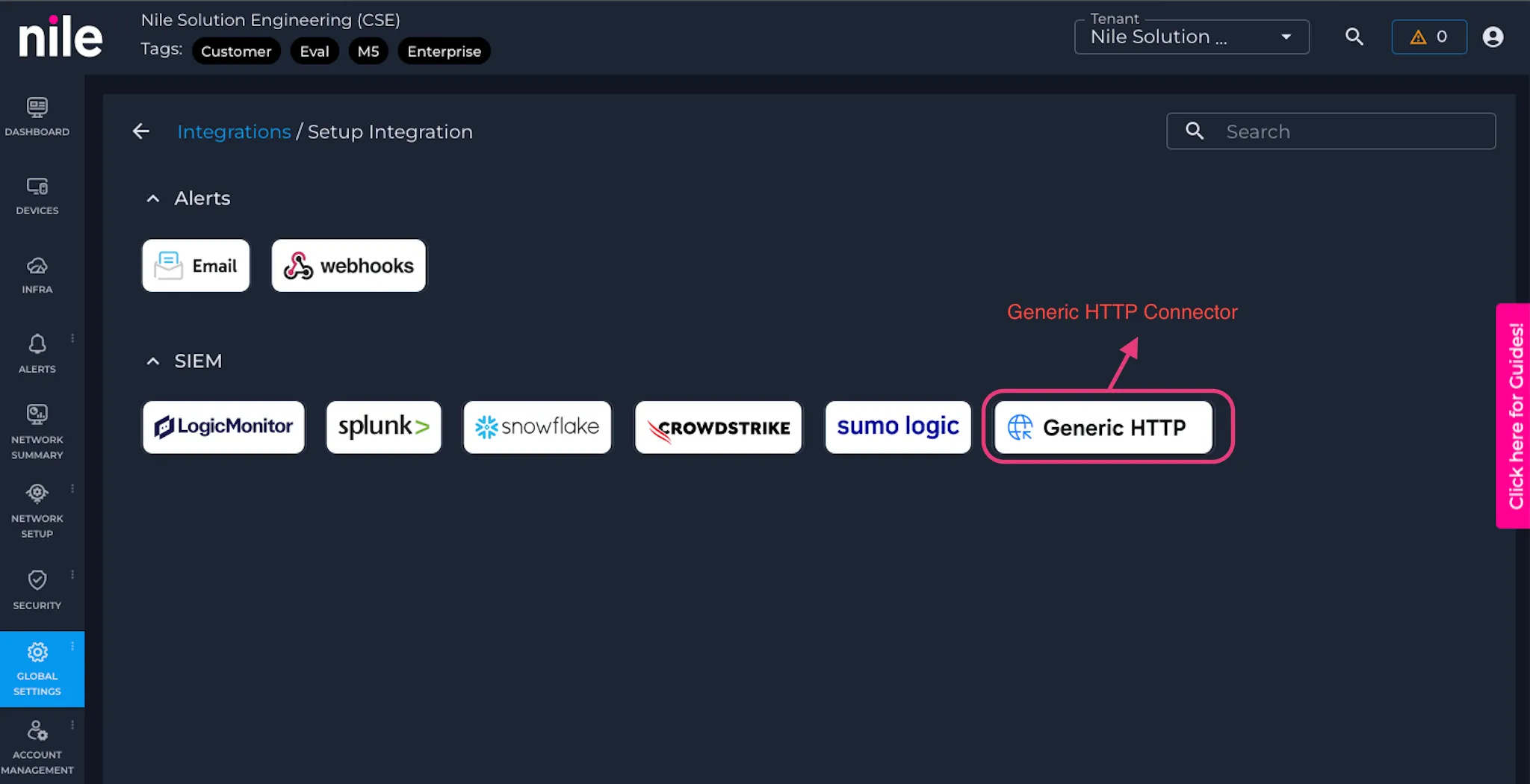
Step 4: Select Generic HTTP Connector
From the available integration types, select Generic HTTP Connector.
Step 5: Enter Name, Endpoint URL, HTTP method, and Payload format
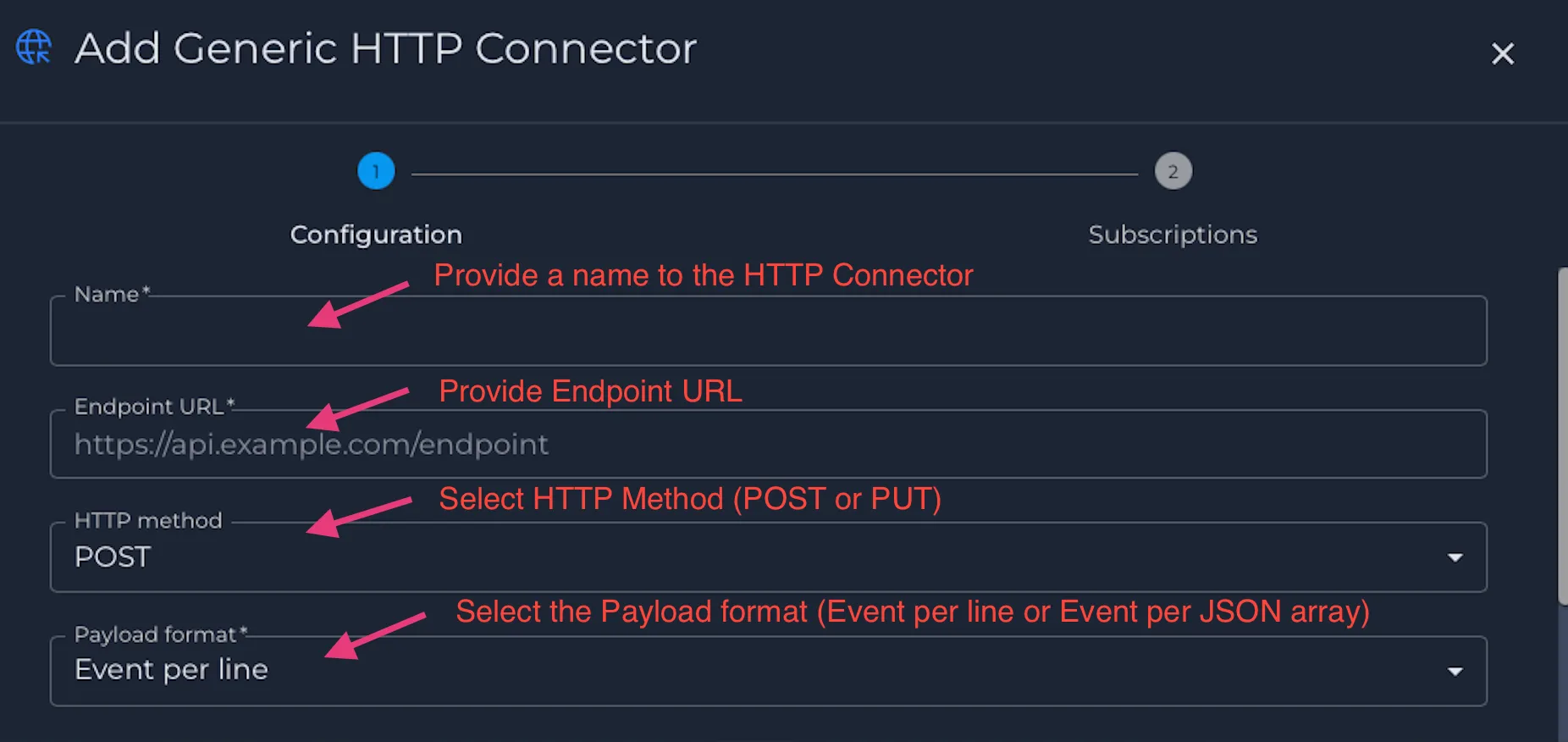
In the connector configuration window, provide a Name and Endpoint URL for your HTTP or HTTPS receiver.
Select the required request method and payload format for your destination. Use POST or PUT as required by your receiver, and choose either event-per-line JSON or JSON array format.
Step 6: Select the authentication method
Choose the authentication method required by your receiver:
- Token-based authentication
- Basic authentication
- Mutual TLS
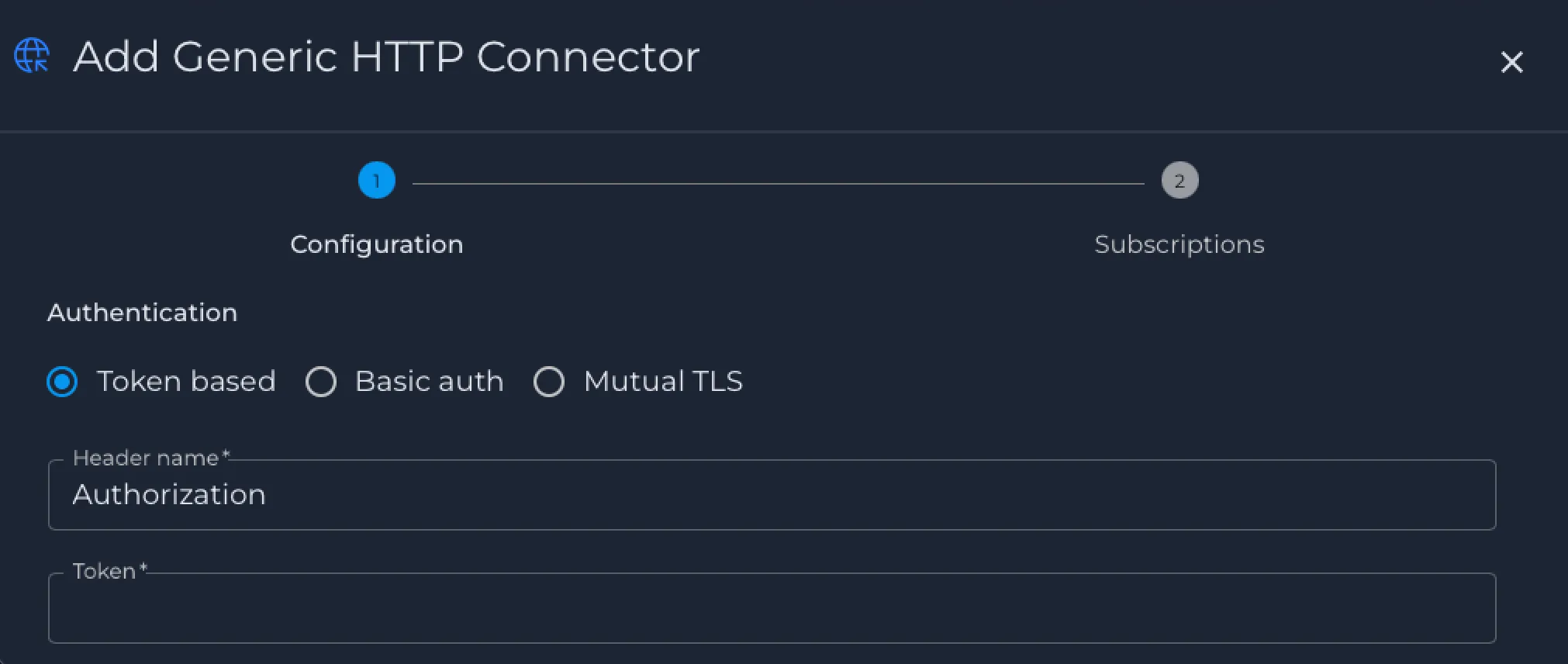
If you select Token-based authentication, enter the header name and token value.
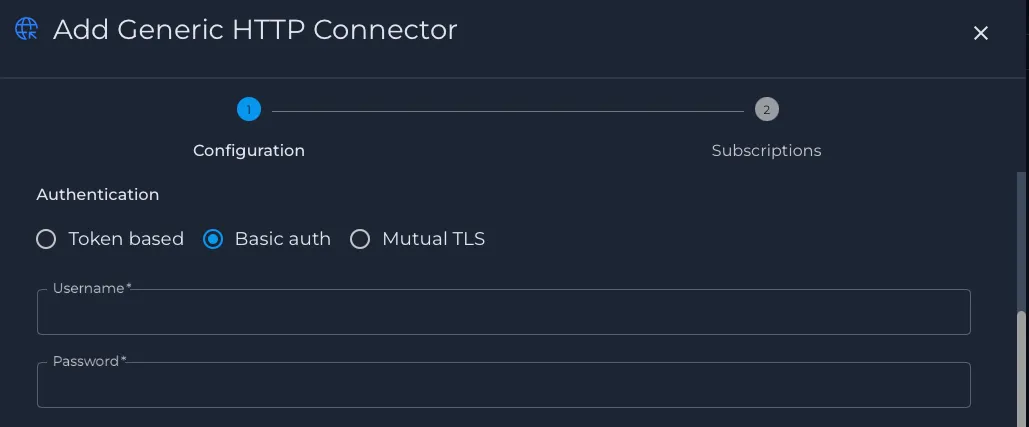
If you select Basic authentication, enter the username and password.
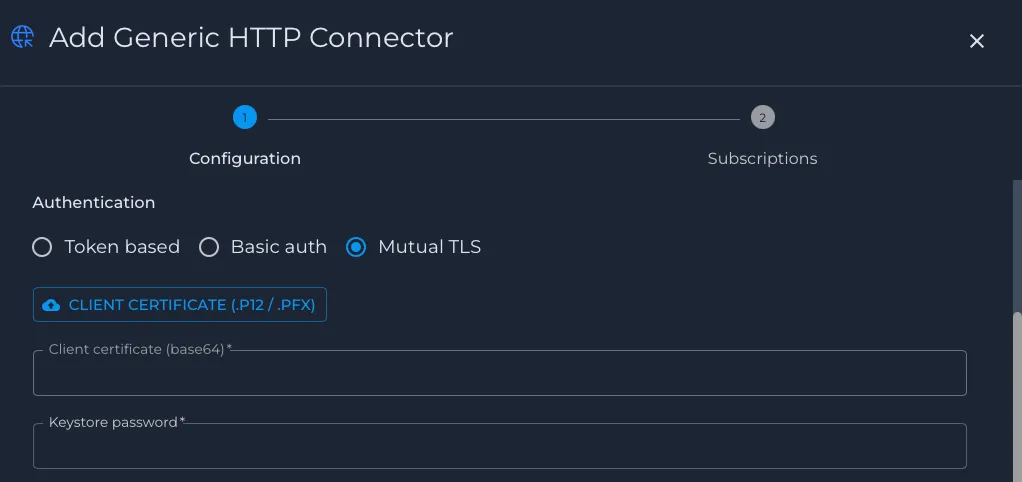
If you select Mutual TLS, upload the client certificate in .P12 or .PFX format and enter the keystore password. Both fields are required.
Step 7: Configure Certificate Validation
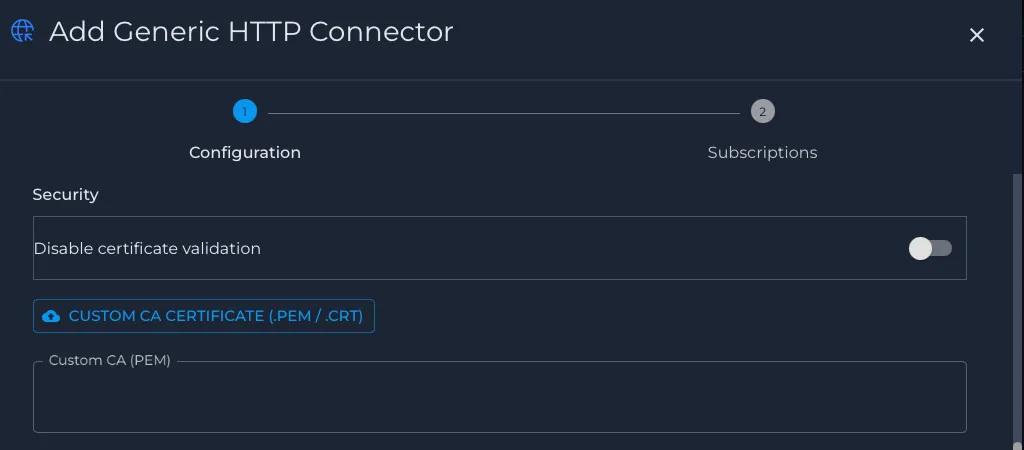
If your destination uses HTTPS, choose whether certificate validation should remain enabled. If the server certificate is signed by a private or self-signed CA, upload the CA certificate so Nile can trust the connection.
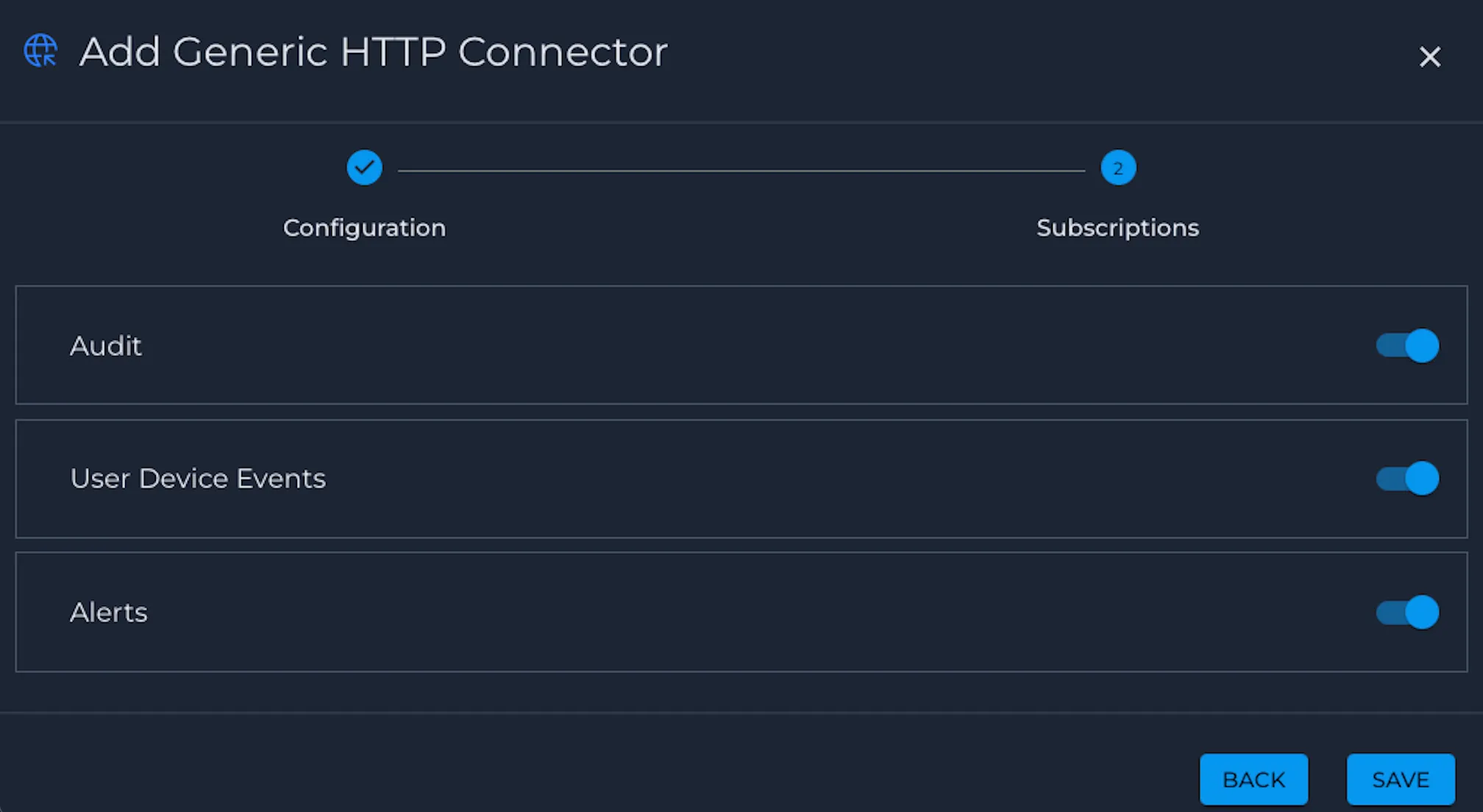
Step 8: Add optional custom headers
If your destination platform requires extra headers, add them in the custom headers section.
Once the customer headers are added, click Next to enable the Subscriptions
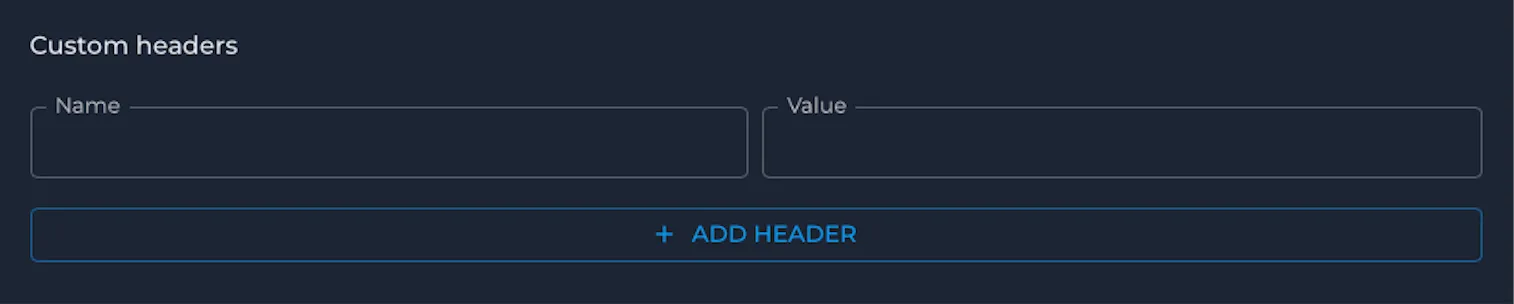
Step 9: Select event categories
Choose the event categories you want Nile to export through this connector. The subscription options include Audit, User Device Events, and Alerts.
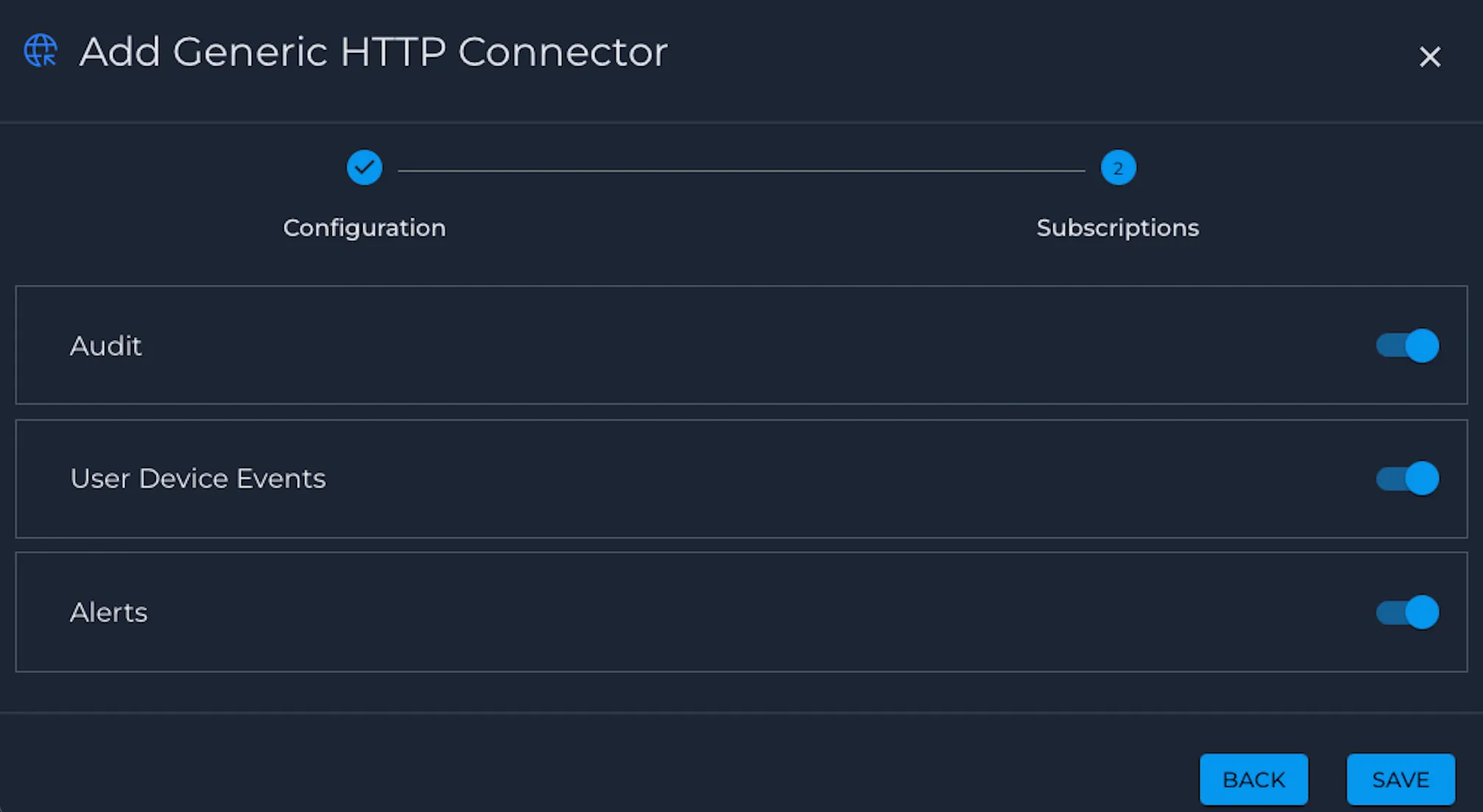
Step 10: Save the connector
Review the configuration and click Save to create the Generic HTTP Connector.
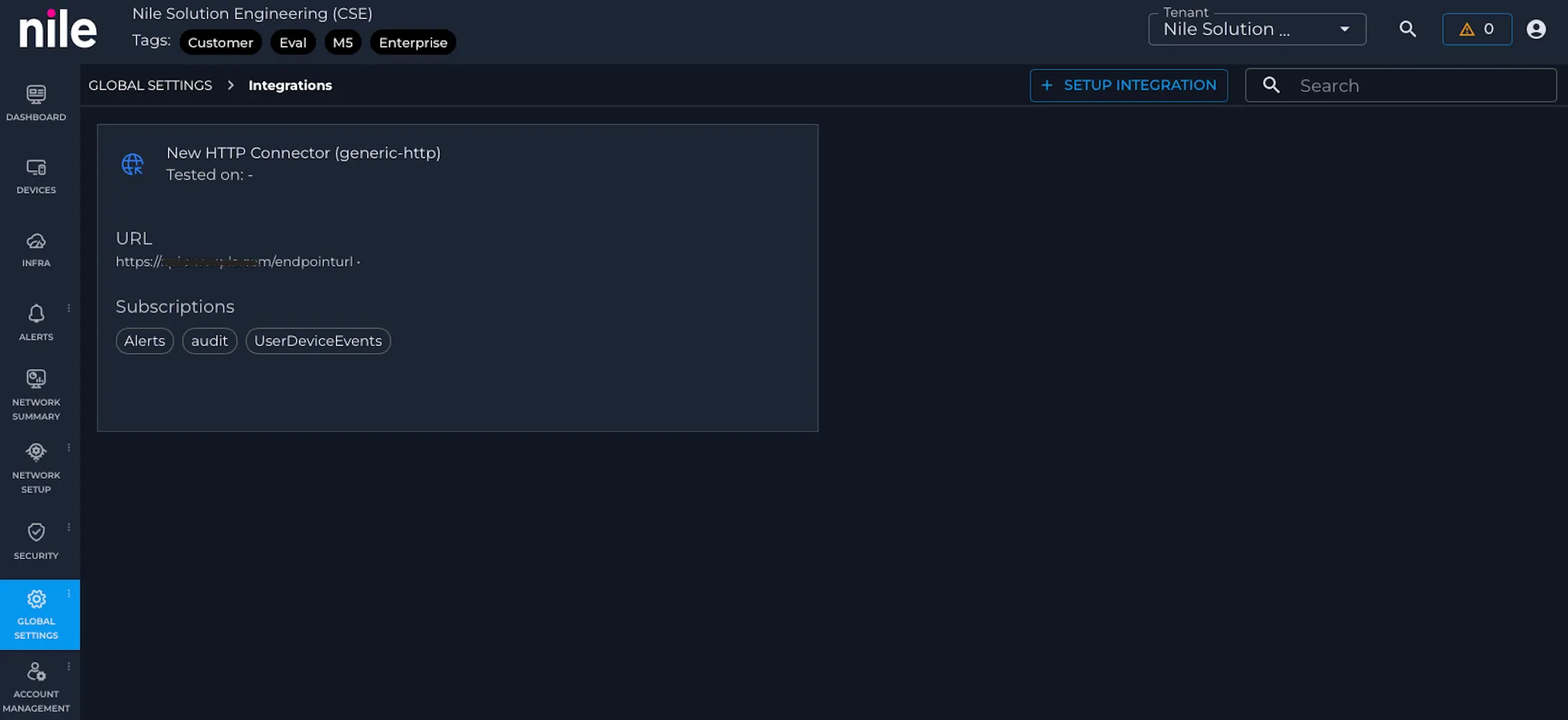
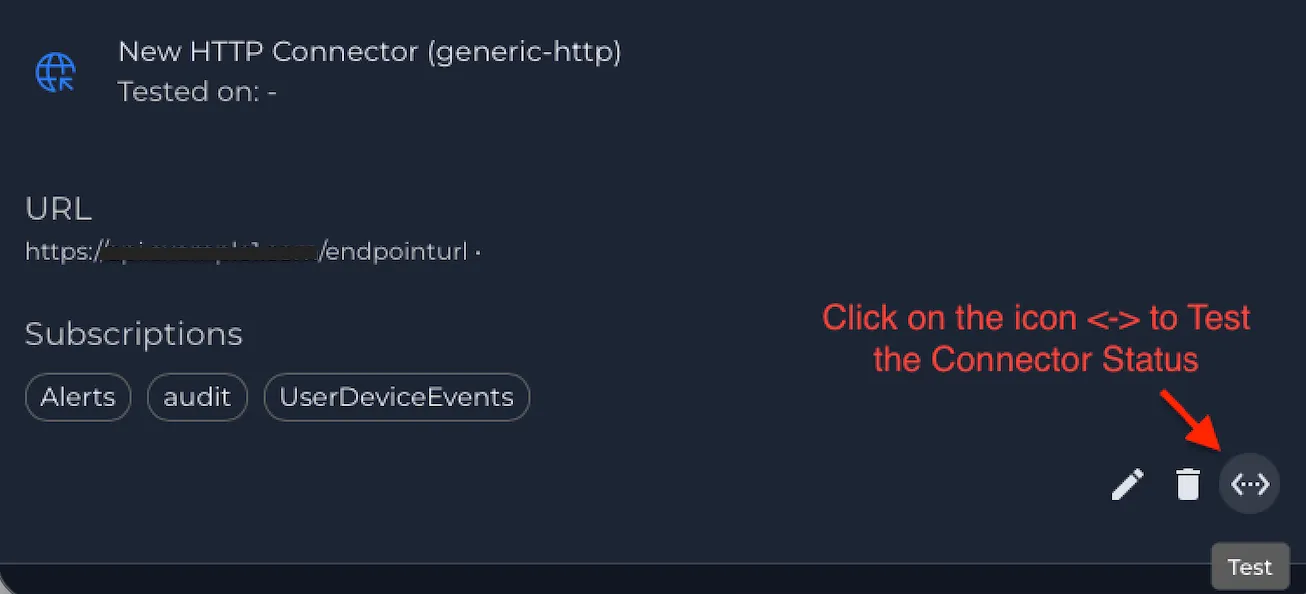
Step 11: Validate the connection
After saving the connector, verify that the integration shows a healthy status and confirm that events are arriving at your destination endpoint.
Validation
After configuration is complete, confirm that your destination receives Nile events in the expected format and that authentication and TLS settings behave as intended.
If your platform supports request inspection or event search, verify that events are arriving under the expected source and topic naming conventions for your environment.
Troubleshooting
If events are not arriving as expected, review the following:
- The configured destination URL is correct and reachable from the Nile cloud.
- The selected authentication method matches what the receiver expects.
- The token header name, token value, username, password, or client certificate details are valid.
- The payload format configured in Nile matches what the receiver can parse.
- Certificate validation settings are appropriate for the receiver certificate chain and hostname.
- If using a private CA, the correct CA certificate has been provided for that connector instance.